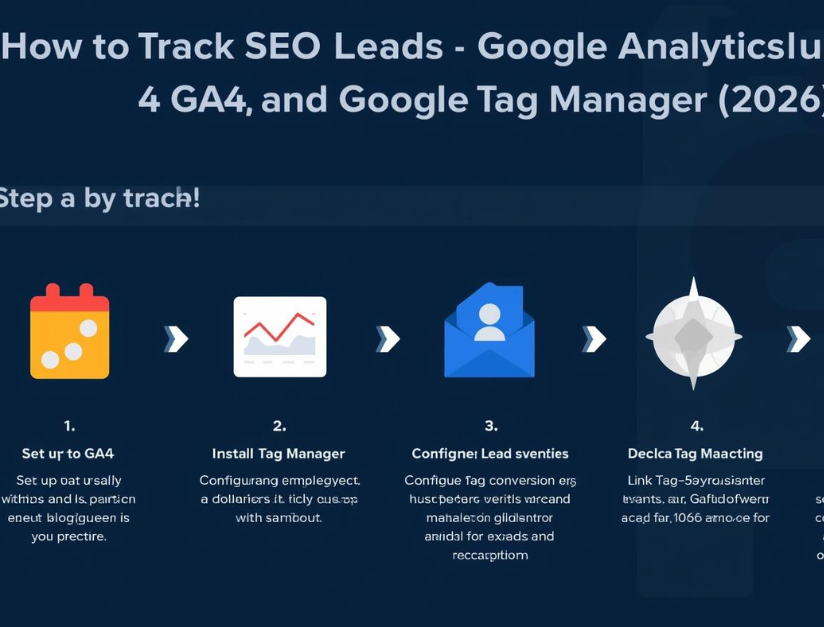
Getting organic traffic is good, but what really matters is how many leads SEO brings to your business. Many website owners check rankings and traffic, but they don’t track what users do after landing on the site—like form submissions, calls, WhatsApp clicks, bookings, or downloads. That’s why in 2026, the best setup for tracking SEO leads is Google Analytics 4 (GA4) + Google Tag Manager (GTM).
This blog explains, in a simple step-by-step way, how you can track SEO leads accurately and measure which pages and keywords are generating real business results.

Why Tracking SEO Leads Is Important
When you track leads, you can answer questions like:
- Which landing pages generate the most inquiries?
- How many calls came from organic traffic?
- Is SEO bringing quality leads or just visitors?
- Which service page converts best?
- What is the conversion rate from Google organic traffic?
With correct tracking, you don’t guess—you make decisions based on data.
What Counts as an SEO Lead?
A “lead” depends on your business type. Generally, SEO leads include:
- Contact form submissions
- Phone call clicks (
tel:) - WhatsApp clicks (
wa.me/api.whatsapp.com) - Email clicks (
mailto:) - Booking button clicks (Calendly / Book Appointment)
- Chat leads (if your chat tool supports tracking)
- Brochure or PDF downloads
- E-commerce purchases (for online stores)
Your goal is to track these as events in GA4, and then mark important ones as conversions (key events).
Step 1: Install GA4 and Verify It Works
First, set up GA4 properly:
- Create a GA4 property in Google Analytics
- Create a data stream for your website
- Copy the Measurement ID (looks like
G-XXXXXXX) - Open GA4 and check Realtime report to confirm it’s recording your visit
GA4 will track basic activity automatically, but it won’t track leads properly until you define them as events and conversions.
Step 2: Install Google Tag Manager (GTM)
Google Tag Manager allows you to track clicks and form submissions without editing code repeatedly.
To set up GTM:
- Create a GTM container
- Install GTM on your website (manual code or plugin)
- Open GTM Preview mode to test tags safely
After GTM is installed, add a GA4 tag inside GTM and confirm that page views are being sent to GA4.

Step 3: Track Form Submissions (The Most Important SEO Lead)
Method A: Thank-You Page Tracking (Best Option)
If your form redirects to a thank-you page like /thank-you/, tracking becomes easy and accurate.
In GTM:
- Create a trigger: Page View where Page Path contains
/thank-you - Create a GA4 event tag:
- Event name:
generate_lead - Optional parameters:
form_name,page_location
- Event name:
In GA4:
- Mark
generate_leadas a conversion (key event)
This is the most reliable method because it only fires when the user successfully submits the form.
Method B: Form Submission Trigger (If No Thank-You Page)
If there is no thank-you page, you can track form submissions using GTM’s form trigger. This works but can be inconsistent depending on form plugins.
In GTM:
- Trigger: Form Submission
- Conditions to ensure it fires only on your main form
- Tag: GA4 event
generate_lead
If possible, always use a thank-you page for more accurate tracking.
Step 4: Track Click-to-Call Leads (Phone Button Clicks)
Many service businesses get leads through phone calls. You should track clicks on phone links:
In GTM:
- Create trigger: Just Links
- Condition: Click URL starts with
tel: - GA4 event tag:
- Event name:
click_to_call - Parameters:
link_url,page_location
- Event name:
In GA4:
- Mark
click_to_callas a conversion if phone calls are leads.
Step 5: Track WhatsApp Click Leads
WhatsApp is one of the most common lead sources in India. Track WhatsApp clicks like this:
In GTM:
- Trigger: Just Links
- Condition: Click URL contains
wa.meorapi.whatsapp.comorwhatsapp:// - GA4 event tag:
- Event name:
whatsapp_click
- Event name:
Mark whatsapp_click as conversion if WhatsApp inquiries are leads.
Step 6: Track Email Clicks (mailto:)
If users click on email links, you can track it:
In GTM:
- Trigger: Just Links
- Condition: Click URL starts with
mailto: - GA4 event:
- Event name:
email_click
- Event name:
This is useful for B2B and corporate websites.
Step 7: Track Booking and Appointment Leads
If you have booking buttons like “Book Now,” “Get Appointment,” or Calendly links, track the button click:
In GTM:
- Trigger: Click trigger (specific button or URL)
- Event name:
booking_click
If your booking tool redirects to a thank-you page after booking, track that page as generate_lead for confirmed bookings.
Step 8: Mark the Right Events as Conversions
In GA4, go to:
Admin → Key events (Conversions)
Mark these events based on your business:
generate_leadclick_to_callwhatsapp_clickbooking_click
Do not mark every event as conversion. Only track meaningful lead actions.
Step 9: See How Many Leads Came from SEO (Organic Search)
To check SEO leads in GA4:
- Go to Reports → Acquisition → Traffic acquisition
- Filter or view Session default channel group = Organic Search
- Check conversions for organic traffic
To check which pages bring leads:
- Go to Reports → Engagement → Landing page
- Add conversion columns
- Sort by conversions
This helps you identify your best-performing SEO pages.
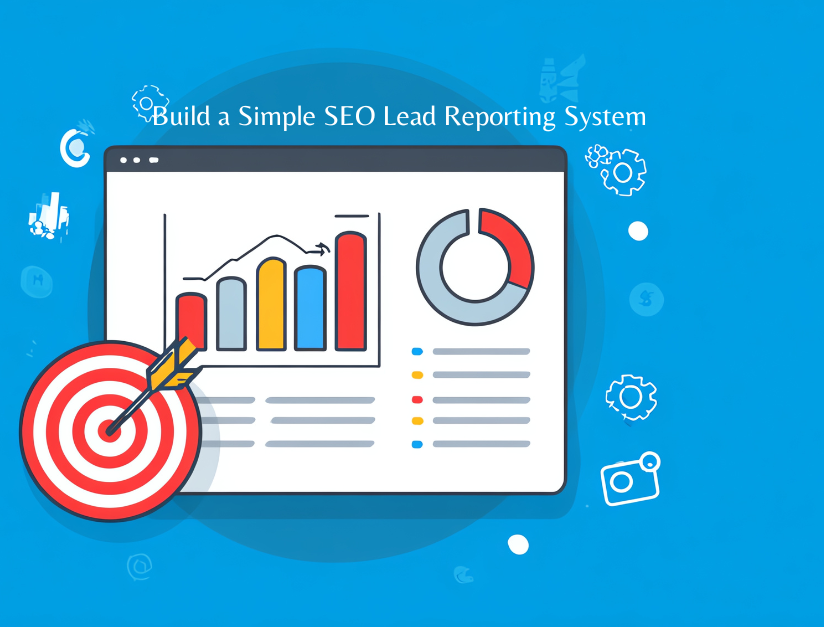
Step 10: Build a Simple SEO Lead Reporting System
A simple monthly reporting system should include:
- Organic sessions
- Total SEO leads (conversions)
- Conversion rate from organic
- Top landing pages generating leads
- Lead type split (forms vs calls vs WhatsApp)
For easier client reporting, connect GA4 with Looker Studio and create a dashboard.
Common Tracking Mistakes to Avoid
Many sites track incorrectly because they:
- Track only traffic, not conversions
- Don’t use a thank-you page
- Use multiple tags causing double counting
- Mark every click as a conversion
- Don’t exclude internal traffic
- Don’t test GTM tags in Preview mode
Always test before publishing changes.
Conclusion
Tracking SEO leads using GA4 and Google Tag Manager is essential in 2026. It helps you measure real business outcomes, improve conversion rates, and focus SEO on pages that generate inquiries—not just rankings. Start with form tracking, then track call and WhatsApp clicks, then mark the most important events as conversions. Once set up, your SEO reporting becomes clear, accurate, and profit-focused.
If you want, share your website link and tell me which leads you want to track (form/call/WhatsApp/booking). I’ll suggest the exact event setup and naming structure for your site.
FAQs: Track SEO Leads Using GA4 and Tag Manager
1) What are SEO leads in GA4?
SEO leads are actions from organic visitors that show interest, such as form submissions, phone call clicks, WhatsApp clicks, booking requests, email clicks, or purchases.
2) Why should I track SEO leads instead of only traffic?
Traffic doesn’t show business results. Tracking SEO leads helps you measure conversions, understand which pages generate inquiries, and improve ROI from organic search.
3) Do I need Google Tag Manager to track SEO leads?
It’s highly recommended. GTM lets you track clicks and submissions without changing website code repeatedly and helps manage events in a clean way.
4) What is the best way to track form submissions in GA4?
The best method is a thank-you page. Trigger an event when the thank-you page loads and mark that event as a conversion in GA4.
5) How do I track phone call clicks from SEO traffic?
Use GTM to create a link-click trigger where Click URL starts with tel: and send a GA4 event like click_to_call, then mark it as a conversion.
6) How do I track WhatsApp clicks in GA4?
In GTM, create a link-click trigger where Click URL contains wa.me or api.whatsapp.com, send a GA4 event like whatsapp_click, and mark it as a conversion.
7) How do I know how many leads came from organic search in GA4?
Go to Reports → Acquisition → Traffic acquisition and check conversions for Organic Search. You can also view top landing pages generating conversions.
8) Which GA4 event name should I use for leads?
A common best practice is using generate_lead for confirmed form leads, and separate events like click_to_call, whatsapp_click, and booking_click for other lead actions.
9) Should I mark all events as conversions in GA4?
No. Mark only meaningful lead actions as conversions. Too many conversions can confuse reporting and reduce decision-making clarity.
10) What are common mistakes while tracking SEO leads?
Not using a thank-you page, double counting events, not testing GTM tags, tracking every click as a conversion, and not filtering internal traffic are the most common mistakes.