Getting organic traffic feels like a win—your SEO is working, rankings are improving, and users are visiting your website. But then comes the frustrating part: no calls, no forms, no WhatsApp messages, no sales. This is one of the most common problems businesses face in 2026.
The truth is simple: traffic alone doesn’t generate leads. Conversions happen only when SEO, user intent, content, trust, and conversion paths work together. Let’s break down why organic traffic isn’t converting—and the exact fixes you can apply.
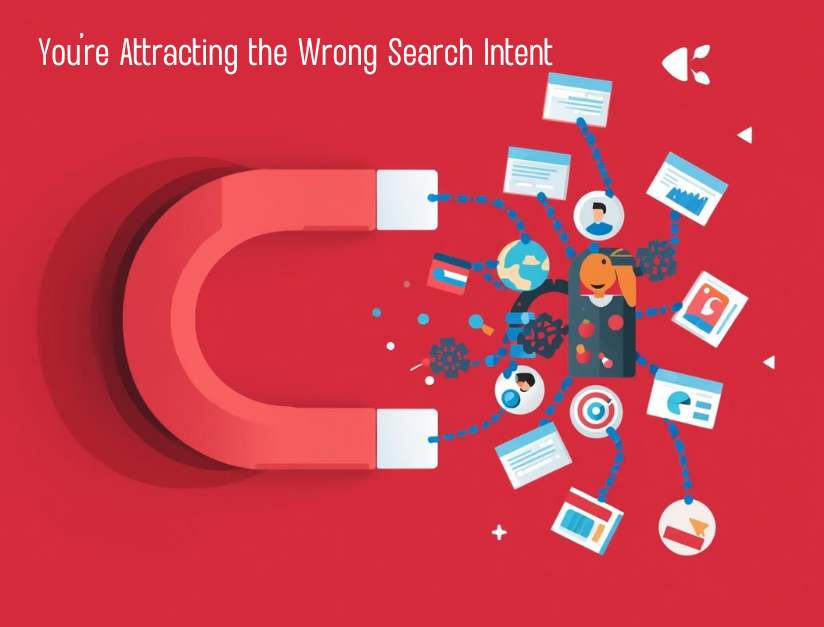
1. You’re Attracting the Wrong Search Intent
One of the biggest reasons traffic doesn’t convert is intent mismatch.
What’s happening:
Your pages rank for informational keywords like:
- “what is…”
- “how does…”
- “benefits of…”
But your goal is leads, not just readers.
The fix:
Match content type with intent.
- Blogs → educate + softly guide
- Service pages → convert
- Landing pages → capture leads
If a blog is bringing traffic, add clear next steps:
- Internal links to service pages
- CTA buttons like “Get a Free Consultation”
- Lead magnets (checklist, audit, quote)
👉 Traffic educates, service pages convert.

2. Weak or Confusing Call-to-Action (CTA)
Many websites get traffic but don’t tell users what to do next.
Common CTA mistakes:
- Only one CTA at the bottom
- Generic text like “Submit” or “Contact us”
- No CTA above the fold
- Too many CTAs causing confusion
The fix:
Use clear, action-based CTAs throughout the page.
Examples:
- “Get a Free SEO Audit”
- “Talk to Our Expert Today”
- “Request a Quote on WhatsApp”
Place CTAs:
- Above the fold
- After key sections
- At the end of the page
Make it obvious and easy.
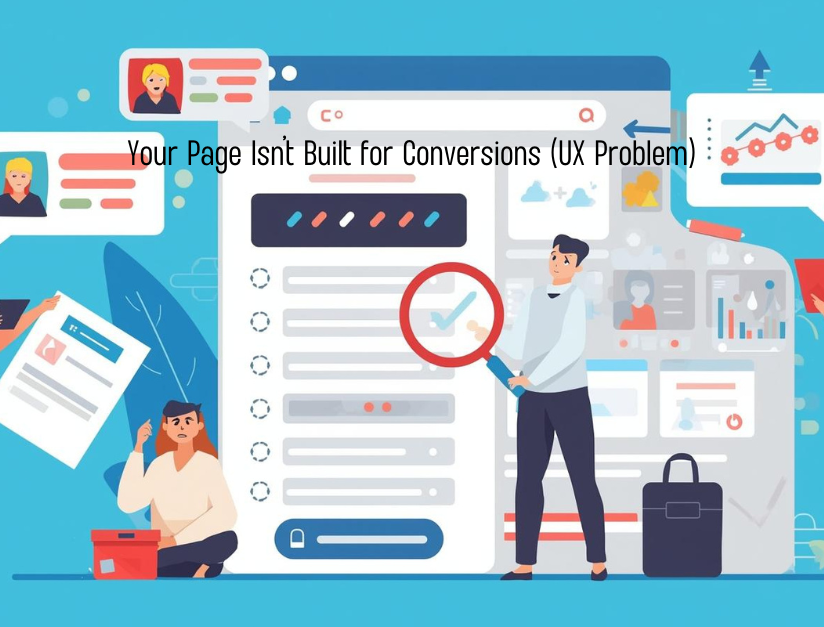
3. Your Page Isn’t Built for Conversions (UX Problem)
Even good content fails if the page experience is poor.
Common UX issues:
- Slow loading pages
- Poor mobile design
- Long text blocks without breaks
- Hard-to-find contact options
- No trust elements
The fix:
Optimize for conversion-friendly UX:
- Fast loading (especially mobile)
- Short paragraphs, bullets, headings
- Sticky call/WhatsApp button
- Visible phone number
- Clean, distraction-free layout
In 2026, mobile UX decides conversions more than rankings.
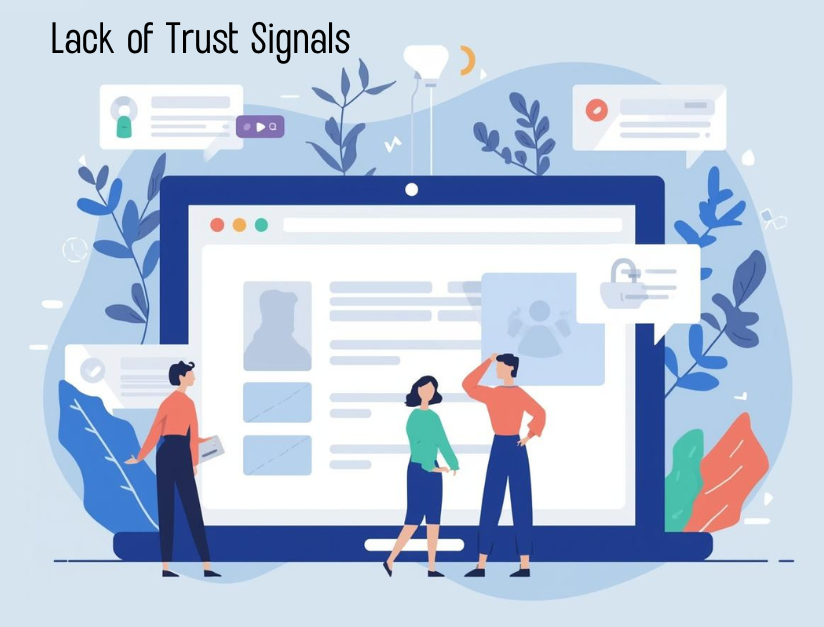
4. Lack of Trust Signals (Users Don’t Feel Safe)
Users don’t convert if they don’t trust you.
Missing trust elements:
- No reviews or testimonials
- No real business details
- No About page
- No case studies or proof
- No photos of team/work
The fix:
Add trust signals where users make decisions:
- Client testimonials
- Google reviews (embedded or highlighted)
- Real photos (office, team, work)
- About us page with experience
- Certifications, partnerships, logos
Trust reduces hesitation—and hesitation kills leads.

5. Forms Are Too Long or Too Complicated
Your traffic may be ready, but your form is stopping them.
Common form mistakes:
- Too many fields
- Mandatory unnecessary info
- No clarity on what happens next
- Forms that don’t work on mobile
The fix:
Use simple, low-friction forms:
- Name + Phone/Email (enough for first contact)
- Clear headline above the form
- Confirmation message after submission
Also, add alternative contact options:
- Call button
- Email click
Let users choose how they want to contact you.

6. No Clear Value Proposition
Visitors should understand why they should choose you in 5 seconds.
Problem:
Your page talks about services, but not benefits.
The fix:
Answer these clearly at the top of the page:
- Who is this for?
- What problem do you solve?
- What result will they get?
- Why should they trust you?
Example:
“We help small businesses generate qualified leads using data-driven SEO strategies—without wasting money on ads.”
Clear value = higher conversions.
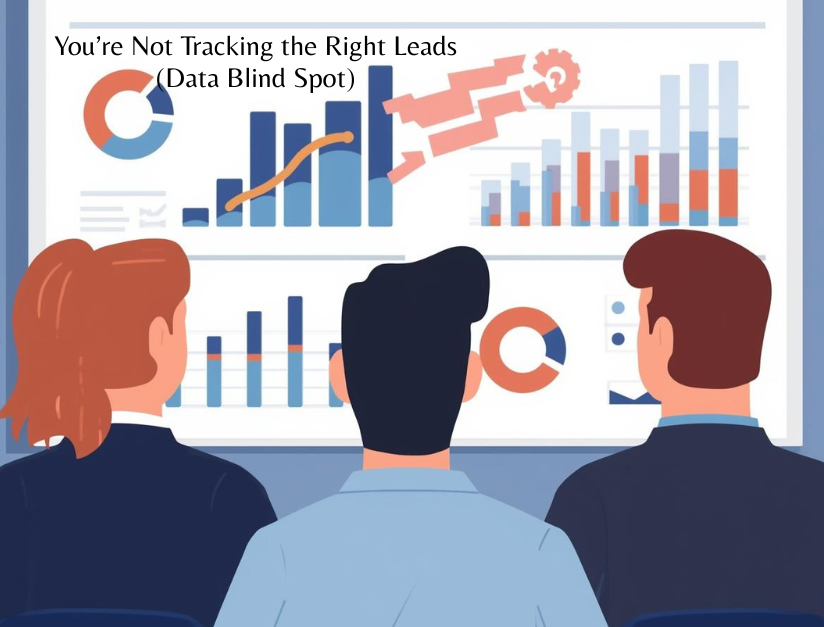
7. You’re Not Tracking the Right Leads (Data Blind Spot)
Sometimes leads are happening, but you’re not tracking them.
Common tracking issues:
- No conversion setup in GA4
- WhatsApp/call clicks not tracked
- Only traffic reports, no lead data
The fix:
Track real actions:
- Form submissions
- Call clicks
- WhatsApp clicks
- Booking actions
Use GA4 + Google Tag Manager to see:
- Which pages generate leads
- Which keywords bring converting traffic
What you track, you can improve.

8. Content Answers the Question but Doesn’t Sell
In 2026, content is optimized for AI, snippets, and zero-click results—but conversion is still your responsibility.
Problem:
Content ends after explaining the topic.
The fix:
Add conversion hooks inside content:
- “If you’re facing this issue, our team can help…”
- “Want this done professionally? Get in touch.”
- “Download the checklist / request an audit”
Educational + persuasive = leads.
9. No Internal Linking to Money Pages
Traffic often lands on blogs, not service pages.
The fix:
Guide users intentionally:
- Blog → related service page
- Blog → case study
- Blog → contact/consultation page
Internal linking is not just for SEO—it’s for user journey.
10. You Need a Conversion-Focused SEO Strategy
SEO in 2026 is not just rankings—it’s ranking + conversion.
Conversion-focused SEO includes:
- Intent-based keywords
- Strong service pages
- Clear CTAs
- Trust signals
- Fast UX
- Proper tracking
When SEO and CRO work together, traffic turns into revenue.
Quick Fix Checklist (Save This)
Match keywords with intent
Improve CTAs (clear + visible)
Optimize mobile UX
Add trust signals
Simplify forms
Strengthen value proposition
Track real leads in GA4
Add internal links to service pages
Use content to guide, not just inform
Final Thoughts
If organic traffic is coming but leads are not, SEO is only half done. Rankings bring visitors, but conversions come from clarity, trust, and experience. Fix these gaps, and the same traffic you already have can start generating real business results—without spending more on ads.

This usually happens due to intent mismatch, weak CTAs, poor user experience, lack of trust signals, or unclear value proposition. Traffic alone doesn’t guarantee conversions.
Intent mismatch occurs when your page ranks for informational keywords, but the page is designed to sell. Informational traffic needs guidance toward service or conversion pages.
Use strong internal linking to service pages, add clear CTAs, include lead magnets (free audits, checklists), and place contact options throughout the content.
Yes. Slow loading speed, bad mobile UX, cluttered layouts, and hard-to-find contact buttons reduce trust and stop users from converting.
CTAs are critical. Without clear and visible CTAs, users don’t know what action to take next—even if they’re interested.
Missing reviews, testimonials, case studies, About page details, or real photos can reduce trust and stop users from taking action.
Yes. Long or complicated forms create friction. Short forms with minimal fields convert better, especially on mobile.
Use GA4 and Google Tag Manager to track form submissions, call clicks, WhatsApp clicks, and bookings as conversions.
It can if content only answers questions and doesn’t guide users. Add conversion hooks and CTAs within the content to balance AEO with lead generation.
Conversion-focused SEO combines intent-based keywords, strong service pages, UX optimization, trust signals, and proper tracking to turn traffic into real business results.