If your business is not showing on Google Maps, it’s usually because of verification, category/location settings, Google filters, or trust issues. Below are the most common reasons and the exact fixes you can do step by step.
1) Your Google Business Profile Is Not Verified
If the profile isn’t verified, it may not appear publicly.
Fix:
- Go to Google Business Profile → Verify now
- Complete verification (phone/email/video/postcard depending on availability)
- After verification, allow 24–72 hours for visibility updates (sometimes faster)
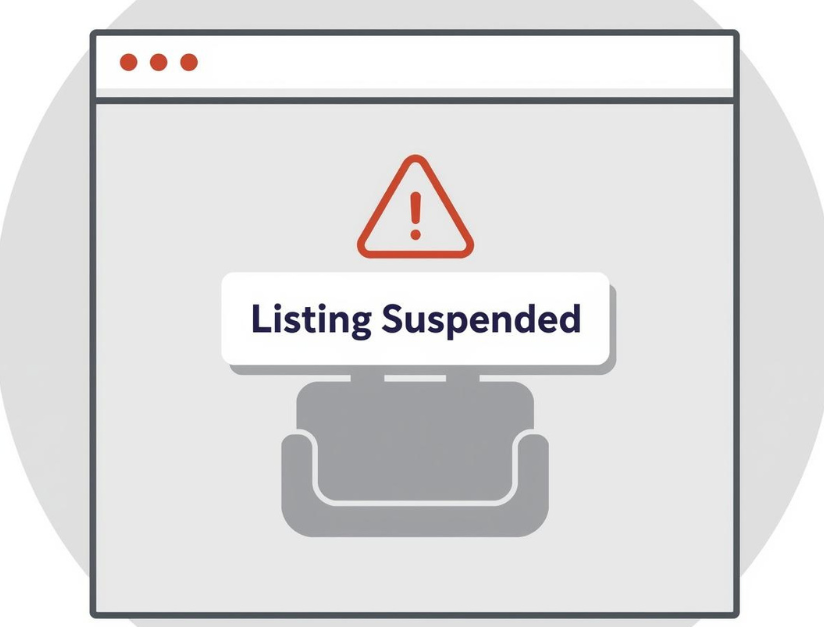
2) Your Listing Is “Suspended” or “Disabled”
If suspended, your profile may not show at all.
Fix:
- Check GBP dashboard for suspension notice
- Fix the cause: business name spam, address issues, ineligible category, or guideline violations
- Submit reinstatement with proof (business documents, signage, address)
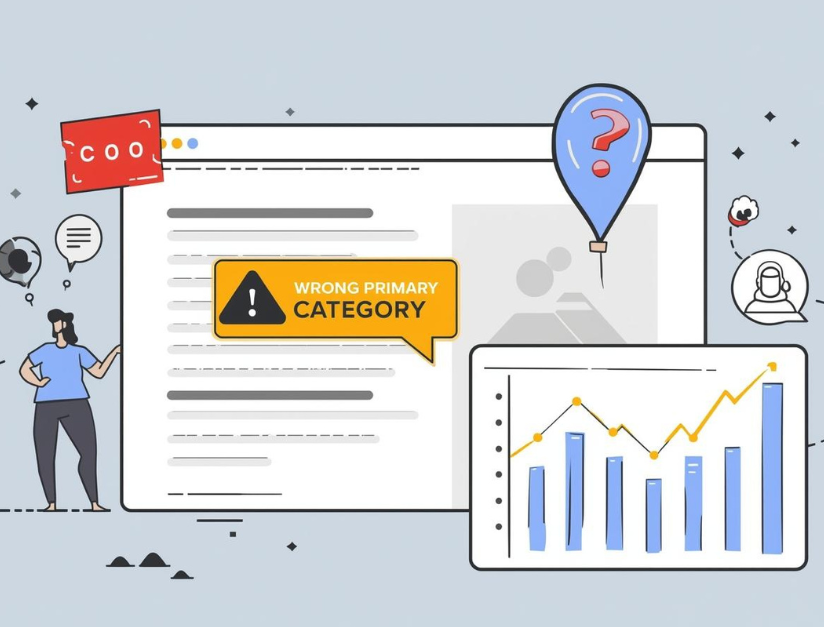
3) Wrong Primary Category (Most Common Ranking Issue)
Even if your profile exists, it won’t show for your target searches if the category doesn’t match.
Fix:
- Set the best Primary category
- Add relevant Secondary categories
- Add services under “Services” section
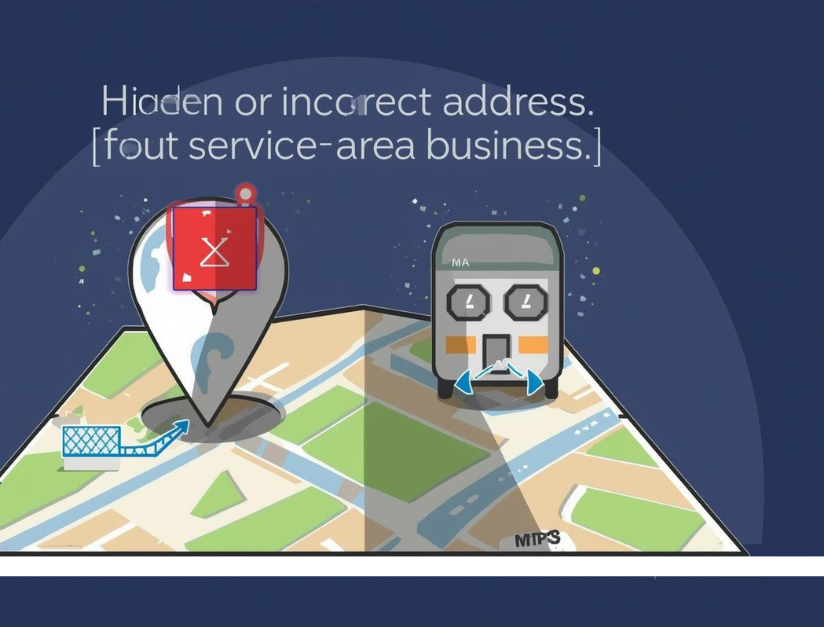
4) Address Hidden or Incorrect (Service-Area Business Issue)
If you are a service-area business and you hide your address, Google may show you less in some searches—especially outside your nearby area.
Fix:
- If you serve customers at your location: show address (only if allowed)
- If you visit customers: set service areas correctly
- Ensure the address matches real-world info and website contact page
5) You’re Outside the Searcher’s Area (Distance Filter)
Google Maps uses proximity heavily. Your business may not show if the user is too far away.
Fix:
- Test from nearby locations (or use a location-based grid tool)
- Improve prominence: reviews, local content, citations, backlinks
- Target “near me” and location pages on your website

6) Duplicate Listings Exist
Duplicates confuse Google and can reduce visibility.
Fix:
- Search your business name + address on Google
- If duplicates exist: request remove/merge in GBP support
- Keep only one correct listing per business location
7) NAP Inconsistency Across Web (Name/Address/Phone)
If your business details differ across directories and your website, Google trust reduces.
Fix:
- Make sure NAP matches exactly on:
- Website contact page
- GBP profile
- Social profiles
- Directories (Justdial, Sulekha, IndiaMart, etc.)
8) Your Business Pin Is in the Wrong Place
Wrong map pin location affects appearance and ranking.
Fix:
- Edit profile → Location → Adjust pin
- Place it correctly on your building/office
- Ensure address format is accurate
9) You Recently Edited Important Details
Google sometimes temporarily hides listings after changes to:
- Business name
- Address
- Category
- Service area
Fix:
- Avoid frequent edits
- Keep details stable for a few days
- Upload proof (photos, signage) to strengthen trust
10) Weak Profile (Low Trust)
A new or incomplete profile may not show well, especially in competitive areas.
Fix:
- Add 15–30 photos
- Add services and descriptions
- Post 1–2 updates weekly
- Get reviews consistently and reply to them
- Add business hours, website, and appointment link
11) Website/Content Doesn’t Match Your GBP
If your website doesn’t clearly show the same services and location, relevance becomes weaker.
Fix:
- Add a proper service page
- Add city/location pages where you actually serve
- Add schema (LocalBusiness)
- Mention NAP on footer/contact page
Quick Checklist (Fast Fixes)
✅ Verified profile
✅ No suspension
✅ Correct primary category
✅ Accurate address/pin/service area
✅ No duplicates
✅ NAP consistent everywhere
✅ Photos + reviews + posts added
✅ Website supports your services + location

FAQs: Business Not Showing on Google Maps (Fixes)
1) Why is my business not showing on Google Maps?
Common reasons include an unverified Google Business Profile, suspension, wrong category, incorrect address/pin, duplicate listings, or low trust signals like few reviews and incomplete profile.
2) How do I check if my Google Business Profile is verified?
Open your Google Business Profile dashboard. If it shows “Verify now,” your profile is not verified. If verified, you can manage profile details and see it publicly.
3) How long does it take to appear on Google Maps after verification?
Usually it takes 24–72 hours after verification, but in some cases it can take longer depending on Google’s review and local competition.
4) Can a suspended profile disappear from Google Maps?
Yes. If your Google Business Profile is suspended or disabled, it may stop showing on Google Maps until you fix the issue and get reinstated.
5) Does choosing the wrong category stop my business from showing?
Yes. If your primary category is incorrect, Google may not show you for relevant searches. Set the most accurate primary category and add suitable secondary categories.
6) Why does my business show on Google Search but not on Google Maps?
This can happen due to distance filters, incorrect pin location, service-area settings, strong competition, or weaker prominence signals (reviews, citations, authority).
7) What is NAP and why is it important for Maps visibility?
NAP means Name, Address, Phone. If your NAP details are inconsistent across your website and directories, Google trust decreases and your visibility can drop.
8) How do duplicate listings affect Google Maps ranking?
Duplicate listings confuse Google and can reduce visibility. You should remove or merge duplicates and keep only one correct listing per location.
9) Why does my business not show for some areas or keywords?
Google Maps rankings depend heavily on proximity (distance). You may appear in nearby areas but not farther locations. Improve prominence using reviews, local content, citations, and backlinks.
10) What are the fastest fixes to show on Google Maps again?
Verify your profile, fix suspension issues, correct categories, update address/pin, remove duplicates, ensure NAP consistency, add photos, post updates, and collect genuine reviews regularly.