Introduction
The way businesses build and manage websites has changed significantly over the last few years. Traditional Content Management Systems (CMS) have made it easy for businesses to create pages, publish blogs, manage products, and update website content without requiring advanced coding knowledge.
However, modern businesses are increasingly using websites alongside mobile apps, smart devices, digital platforms, and other online channels. This has created a need for a more flexible approach to content management.
This is where Headless CMS comes into the picture.
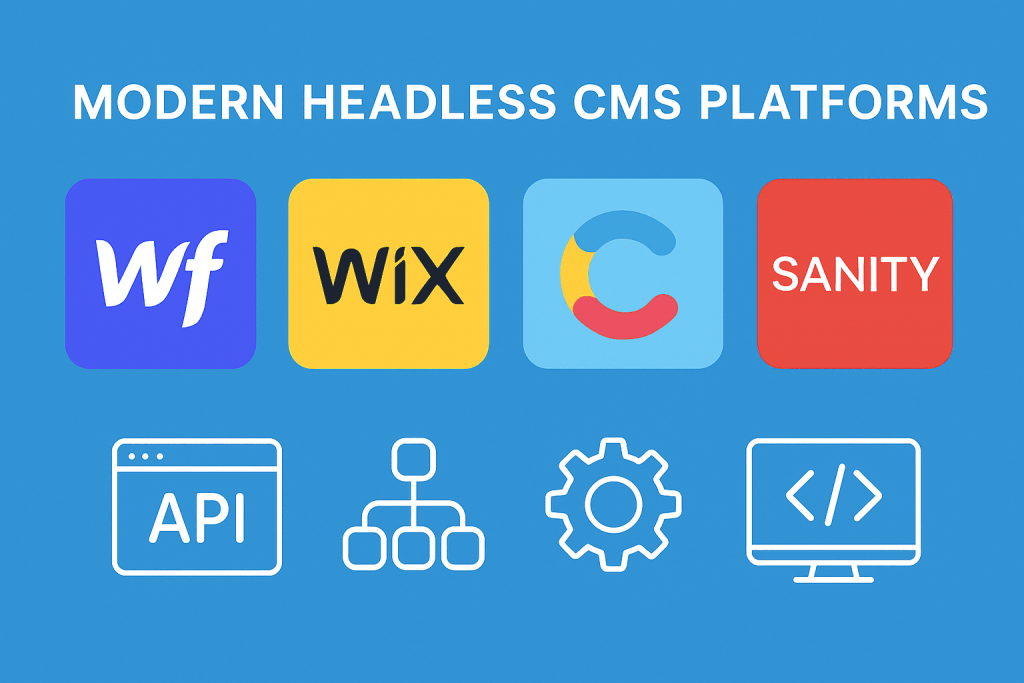
A Headless CMS separates the content management system from the frontend presentation layer. Instead of connecting content to one specific website design, content can be delivered to websites, mobile applications, and other digital experiences through APIs.
But what exactly is a Headless CMS? How is it different from traditional CMS platforms such as WordPress? And does every business really need one?
Let’s explore.
What Is a Traditional CMS?
A traditional CMS combines content management and website presentation into a single system.
WordPress is a well-known example.
In a typical WordPress setup, administrators can:
- Create pages
- Publish blog posts
- Upload images
- Manage menus
- Install themes
- Install plugins
- Manage users
- Customize website layouts
The content is stored in the database and displayed through the selected WordPress theme or frontend system.
This approach is extremely convenient for most business websites.
A business can have its website designed and managed from a single platform without needing a separate frontend application.
What Is a Headless CMS?
A Headless CMS removes the direct connection between content management and the website’s frontend.
The CMS handles the content.
The frontend handles how that content is displayed.
The two systems communicate using APIs.
For example:
Headless CMS → API → Website
The same content can also be delivered to:
Headless CMS → API → Mobile App
Or:
Headless CMS → API → Digital Platform
This separation gives developers greater flexibility when building modern digital experiences.
How Does a Headless CMS Work?
A Headless CMS generally has two major components.
Backend
The backend is where administrators manage content.
They can create:
- Blog posts
- Pages
- Products
- Categories
- Images
- Authors
- Videos
- Other structured content
Frontend
The frontend is the user-facing application.
It can be developed using technologies such as:
- React
- Next.js
- Vue
- Angular
- Custom JavaScript
- Mobile development frameworks
The frontend requests content from the CMS through APIs and displays it to users.
This creates a flexible architecture where the same content can be used across multiple platforms.
Traditional CMS vs Headless CMS
The biggest difference is the relationship between content and presentation.
Traditional CMS
CMS + Database + Theme + Website
Everything is closely connected.
Headless CMS
CMS + Database → API → Frontend
The frontend and content management systems are separated.
This architectural difference can have a significant impact on how a digital platform is developed and maintained.
Benefits of a Headless CMS
1. Greater Frontend Flexibility
One of the biggest advantages of a Headless CMS is frontend freedom.
Developers are not restricted to the CMS’s traditional theme system.
They can use modern frameworks and development technologies to create highly customized user experiences.
This is particularly useful for businesses building complex digital platforms.
2. Content Can Be Used Across Multiple Platforms
A business may have:
- Website
- Mobile application
- Customer portal
- Digital signage
- E-commerce platform
Instead of maintaining separate content manually for every platform, a Headless CMS can provide centralized content through APIs.
This can make content management more efficient.
3. Better Scalability
As a business grows, its digital ecosystem may become more complicated.
A traditional CMS may eventually require extensive customization.
A Headless architecture can provide greater flexibility by allowing the frontend and backend to evolve independently.
Developers can upgrade or replace the frontend without necessarily rebuilding the entire content management system.
4. Modern Development Frameworks
Headless CMS architecture works well with modern frontend frameworks.
Developers can build highly interactive websites using technologies such as React or Next.js while using a separate system for content management.
This approach is particularly popular for businesses that need application-like website experiences.
5. Potential Performance Improvements
Headless websites can be optimized using modern rendering techniques such as:
- Static Site Generation
- Server-Side Rendering
- Incremental Static Regeneration
- Content Delivery Networks
- Edge delivery
Depending on the architecture, these technologies can help deliver content efficiently.
However, simply using a Headless CMS does not automatically make a website faster.
Performance still depends on hosting, frontend development, images, scripts, APIs, caching, and overall architecture.
Is WordPress a Headless CMS?
Yes.
WordPress can be used as a Headless CMS.
Although WordPress is traditionally used as a complete website platform, its content can also be accessed through APIs.
This means WordPress can manage content while another technology handles the frontend.
For example:
WordPress → REST API → React Website
Or:
WordPress → API → Next.js Website
This allows businesses to continue using the familiar WordPress administration dashboard while adopting modern frontend technologies.
When Should a Business Consider Headless CMS?
Headless CMS is not necessary for every website.
A standard WordPress website may be the better solution for:
- Small business websites
- Company websites
- Blogs
- Service websites
- Local business websites
- Basic e-commerce websites
- Marketing websites
A Headless CMS becomes more interesting when a business requires:
- Multiple frontend applications
- Highly customized user experiences
- Mobile app integration
- Large-scale content distribution
- Advanced web applications
- Modern JavaScript frameworks
- Independent frontend and backend development
The right technology should always be selected based on project requirements.
Challenges of Headless CMS
Although Headless CMS offers significant flexibility, it also introduces additional complexity.
Higher Development Requirements
Traditional CMS platforms allow developers to use themes and plugins.
Headless systems require frontend development and API integration.
This can increase development time and technical requirements.
More Components to Maintain
A traditional website may primarily require maintenance of one platform.
A Headless setup may involve:
- CMS
- Frontend
- API
- Hosting
- CDN
- Database
- Authentication system
- Third-party services
Each component needs to be monitored and maintained.
Higher Initial Development Cost
Because Headless CMS projects often require custom frontend development, the initial development cost can be higher than a standard WordPress website.
Therefore, businesses should evaluate whether the additional flexibility provides enough value.
Headless CMS and E-Commerce
Headless architecture is also becoming increasingly relevant in e-commerce.
A business can separate its commerce backend from its customer-facing frontend.
For example:
E-Commerce Platform → API → Custom Storefront
This allows developers to create customized shopping experiences while keeping product, inventory, order, and customer management in the backend.
Headless e-commerce can be useful for businesses with complex requirements or multiple sales channels.
However, for a smaller online store, a standard WooCommerce or Shopify setup may be more practical and cost-effective.
Headless CMS vs Traditional CMS: Which Is Better?
There isn’t a universal winner.
Traditional CMS is better when:
- You need a website quickly
- You want simple content management
- You have a limited development budget
- Your website doesn’t require complex integrations
- You want easy theme-based customization
Headless CMS is better when:
- You need maximum frontend flexibility
- You have multiple digital channels
- You require custom applications
- You need API-based content delivery
- You have a dedicated development team
- Your project requires a modern application architecture
The correct decision depends on business goals rather than technology trends alone.
The Future of Content Management
As businesses expand beyond traditional websites, content increasingly needs to be available across multiple digital experiences.
Websites, applications, e-commerce platforms, customer portals, and other digital channels can all consume centralized content through APIs.
This makes the Headless CMS approach particularly interesting for businesses planning long-term digital transformation.
However, traditional CMS platforms aren’t disappearing.
For many businesses, WordPress and other traditional CMS platforms remain highly practical because they offer a balance of flexibility, affordability, and ease of use.
Conclusion
Headless CMS represents a different approach to website and content management.
Instead of combining the backend and frontend into one system, it separates content management from presentation.
This provides developers with greater freedom and allows businesses to distribute content across websites, applications, and other digital platforms.
However, Headless CMS also introduces additional development complexity and isn’t necessary for every project.
For a standard business website, WordPress with a professional theme or Elementor can often provide everything required.
For a large-scale digital platform requiring custom applications, API integrations, and multiple content channels, a Headless CMS architecture may be a better long-term choice.
At Mag Cloud Solutions, we help businesses select and implement the right web technology based on their requirements. From WordPress and Elementor websites to WooCommerce, Shopify, custom CMS development, and advanced web solutions, our goal is to build scalable digital platforms that support real business growth.
Mag Cloud Solutions
📞 +91 9536899899
📧 sales@magcloudsolutions.com